Category: Uncategorised Page 4 of 5

Extra Pages – More Color Choices

If you bought an Agendio last year after we expanded our extra page section, you may have noticed that we chose the accent color for those pages, to match your first or last month.

Now you can select your preferred color from our two dozen print colors and you can select different ones for the beginning of your planner and the end.

On the right of the Extra Pages page you will see two color squares. Roll over either of them and a color picker will appear. Roll over your preferred color and click and you’re done.

Extra Pages Colour Choice

Seven-on-the-left Row planners

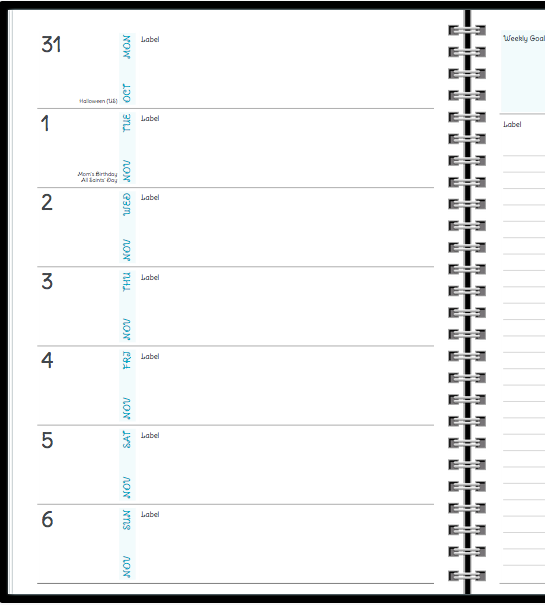
You asked for it, so we added it: Agendio now offers row planners with seven rows – one for each day – on the left page, leaving the right page free for your divisible and other weekly content.7-on-the-left-2

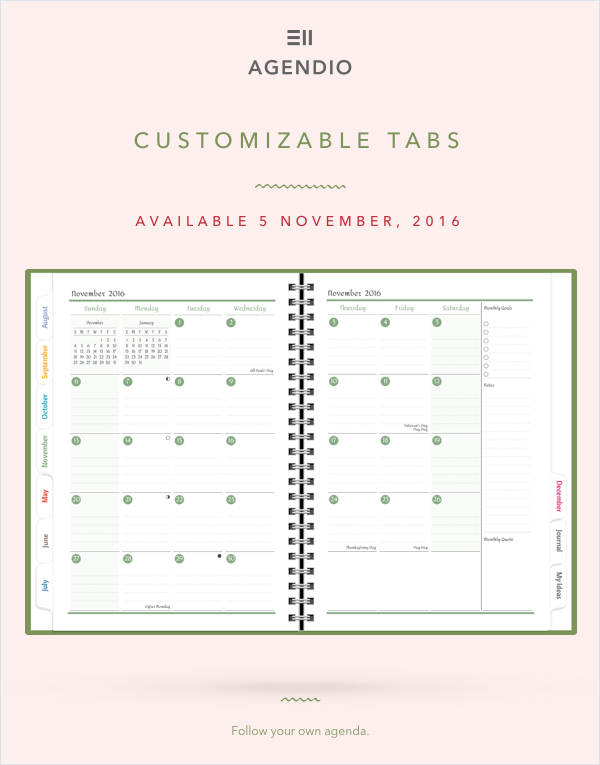
… and to finish off our week of announcements, Customizable Tabs!

agendio-customizable-tabs

… And Customizable Extra Pages…

agendio-customizable-extra-pages

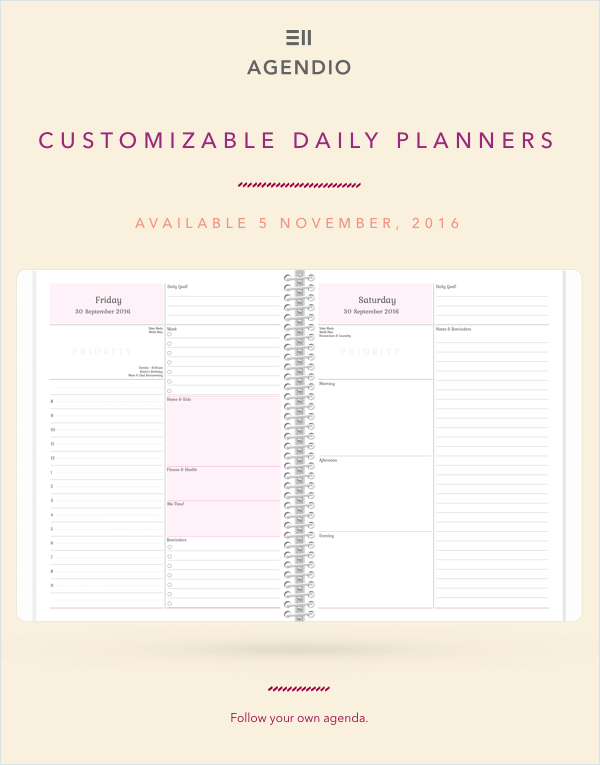
… and DAILIES too!

agendio-customizable-daily-planners

We’re also adding Customizable monthly colors

agendio-customizable-monthly-colors

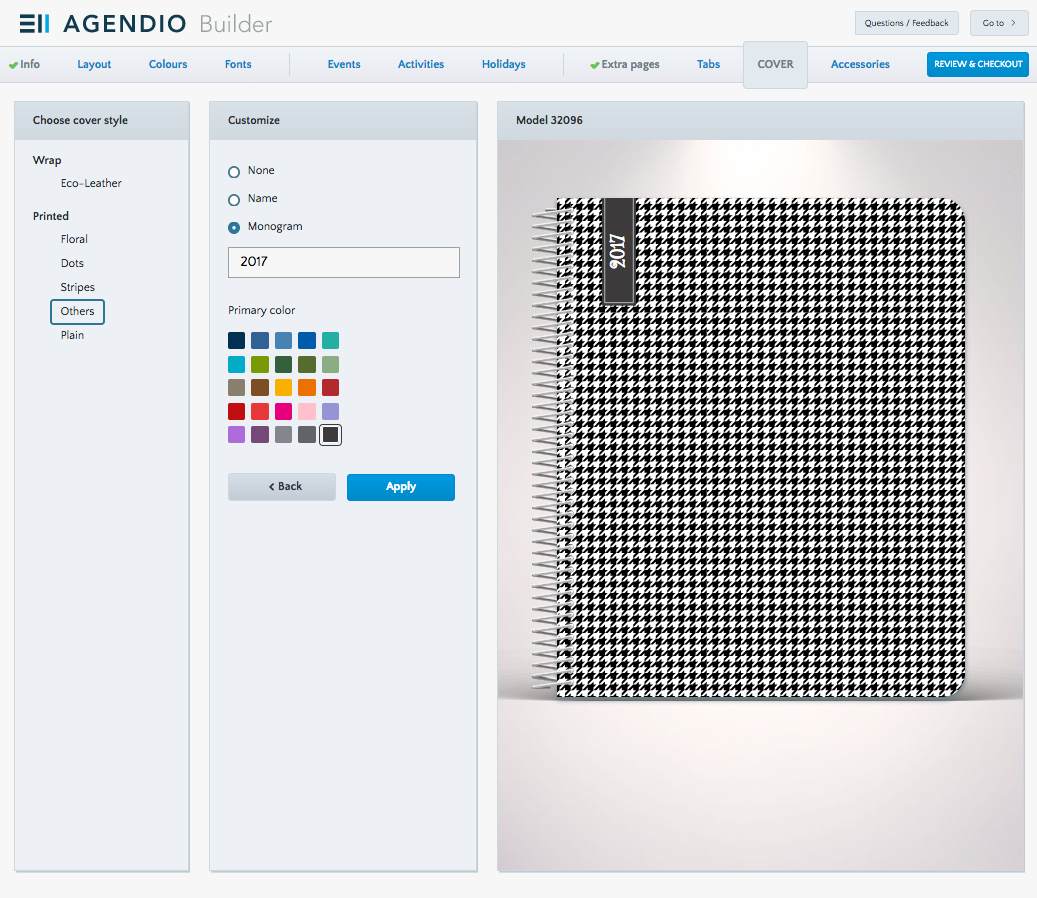
On November 5, we’re adding spiral-bound planners with customizable covers

agendio-spiral-bound-planners-and-customizable-covers

Do you like shady weekends?

We added shading options a few weeks ago and already we’re seeing many great-looking planners where you have added shading selectively and very well.

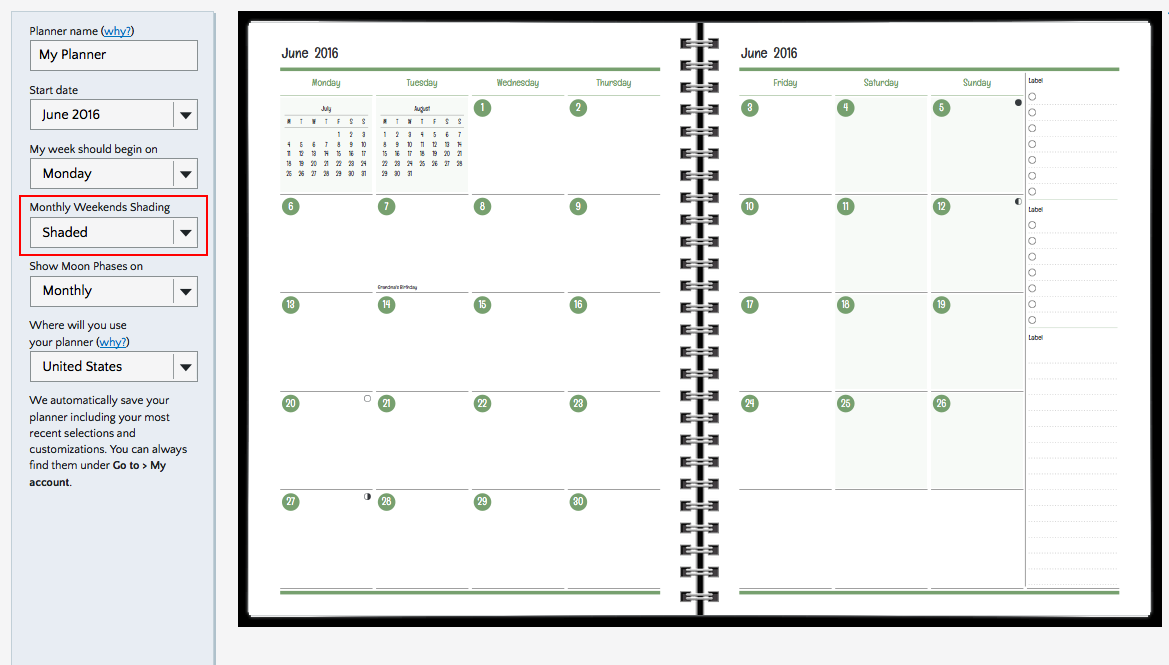
But a few of you pointed out that something was missing: What about shaded weekends on monthly layouts, especially on row layouts, where it can be hard to follow each row since there are so many of them? We allowed you to shade or not to shade but we didn’t give you the option to shade only on weekends.

Monthly Row Shaded

So now we’ve added shaded weekends as an option on monthly agendios. It’s a simple pulldown menu selection (Shaded, not shaded). Look for it on the info screen when you start on the Builder.

Monthly Grid Shaded info page


Extra, Extra! Get your extra pages!

About 75 or 100 years ago, newspaper sellers would shout out “Extra, extra read all about it!” when selling their papers, if a big event happened after the main edition had been printed and an extra edition had been printed with the latest news.

So, we’re shouting too, to let you know that we have updated our extra page selections in a very big way! We have added a big selection of extra pages of 5 types, each with a line that adjusts to your custom color selection, and also offering three different line spacings (3/16″, 1/4″ and 5/16″).

Here are samples of our lined, dotted, grid and grid-dash lines:

Lined

Lined extra sheet2

Dotted

Postbook-L-DotsPage-416-Full

Grid

Postbook-L-GridFullPage-416-Full

Grid with dashed lines

Postbook-L-GridDashPage-416-Full

You can also add plain pages.

Depending on the frequency you selected, you can add up to 72 extra pages and you can choose the order in which they are printed.

So, what will you choose?

Should you stay in the shading?

Now you can choose which of your planner pagelets can be shaded!

Previously we shaded specific sections of planners for visual effect, such as the monthly calendar that is usually found on the top right section of your layout.

Shade-1b

But now, you can choose to highlight certain additional spaces of your choosing, such as divisibles and label pagelets. We’ll still shade specific pagelets for you, but now you can add others of your choosing.

Here’s how you do it: If you select a pagelet that allows for customized shading, you will see a checkbox with the text “Apply shaded background”.

Check it and then click “Apply” and it will add shading to the selected section

Shade-2-red

Shade-3

It’s that simple.

Just remember: Shading is like perfume and exclamation points: Don’t use too much or you’ll spoil the effect.

Page 4 of 5

Powered by WordPress & Theme by Anders Norén