Category: Notebooks Page 1 of 3

AGENDIO TABLES

We’ve just added table pagelets to Agendio Pro.

We previously offered full-page tables, even adjustable ones, and we received some great feedback about them. But we have often been asked if one day we can offer pagelet sized ones that use only part of a page. That’s what we’ve just added.

You can add a table to your page the same way you add any other pagelet from the Designer drawer – It’s right next to the tracker pagelet.

And it wouldn’t be an agendio feature if it wasn’t adjustable, so we included three ways for you to adjust the column widths.

You can use tables to keep track of so many things. Here are some examples:

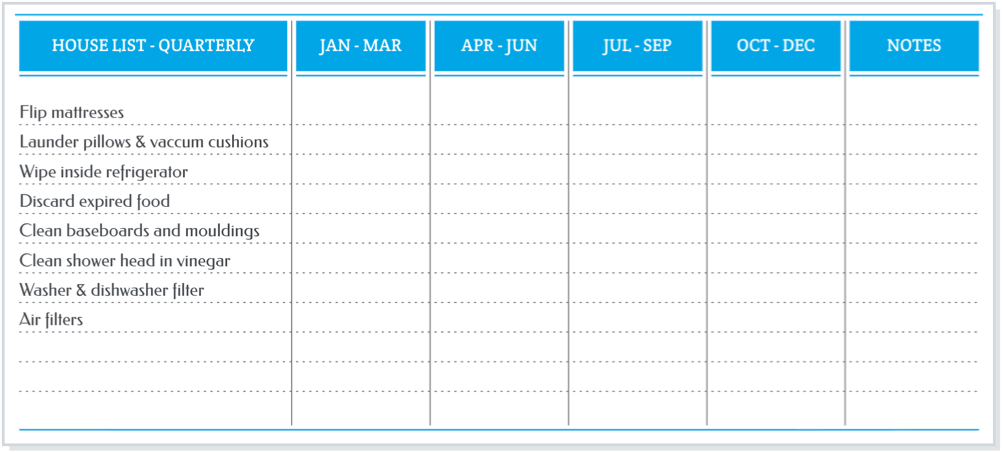
A table of house jobs you might do every quarter but that we often forget to do. (Custom width selected for column 1, and other columns equal width)

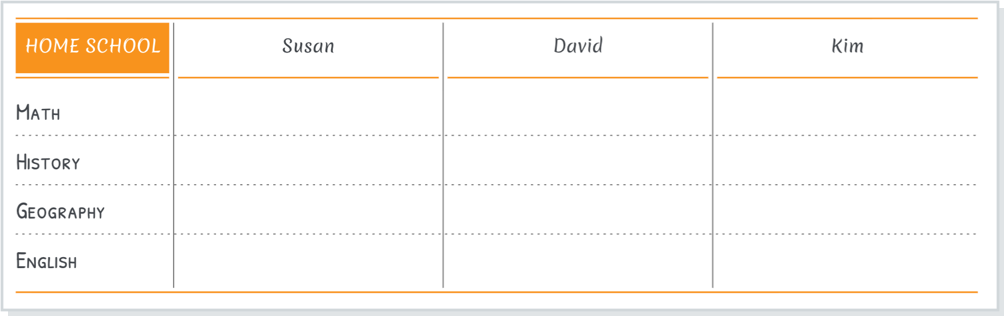
A table for home schooling (Custom width selected for columns 2, 3 and 4 )

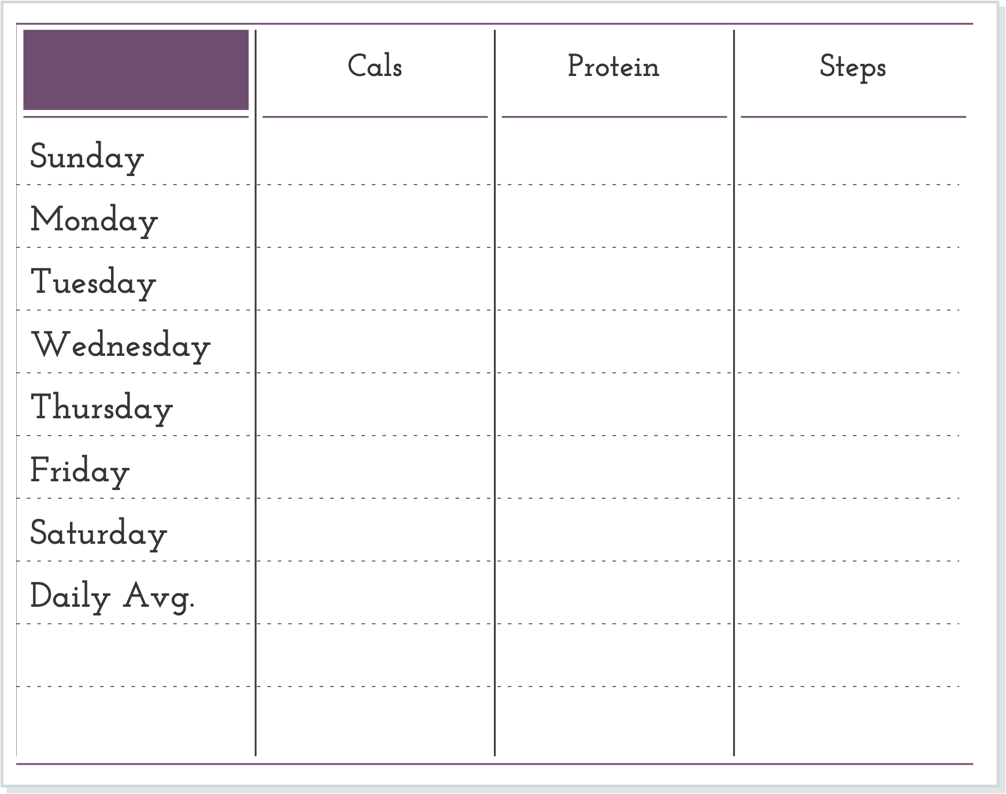
A table for fitness. All columns selected to be of equal width:

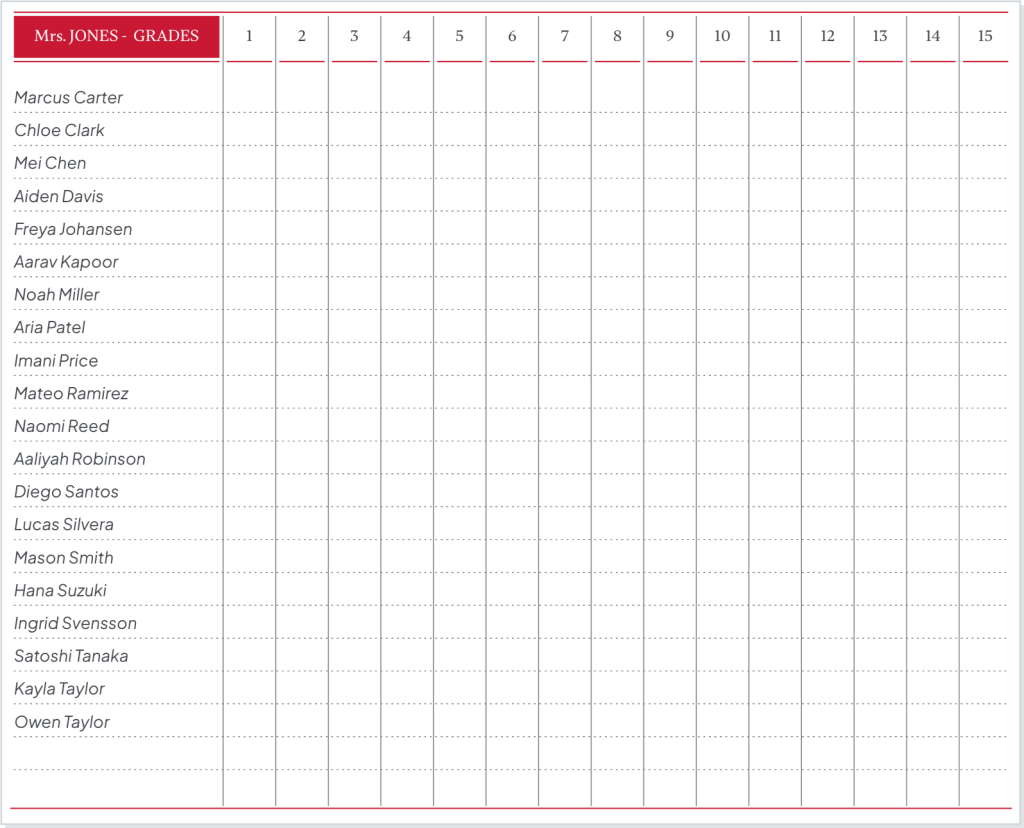
And a special design: A page for teachers to record student grades and test scores.

Now it’s your turn to make a table. What will you use your table for?

Covers update

We receive requests every so often for colours of wrap covers we used to offer. We usually have to answer that we don’t have any of the discontinued colours left.

However, we have recently found a few: We have added to our Classic and Pro wrap cover options a small number of red wrap covers in all sizes and turquoise wrap covers in large and medium. If you liked those colours, now is your opportunity to get a turquoise or red Agendio wrap cover.

We have also been asked why our triangle design printed cover is available only in one colour. So we have now also added six new colours to our triangle design printed cover.

You can see all our cover options in the covers section of our website.

GRATITUDE

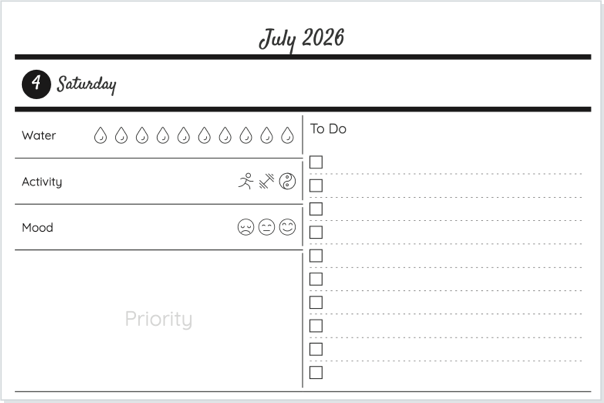
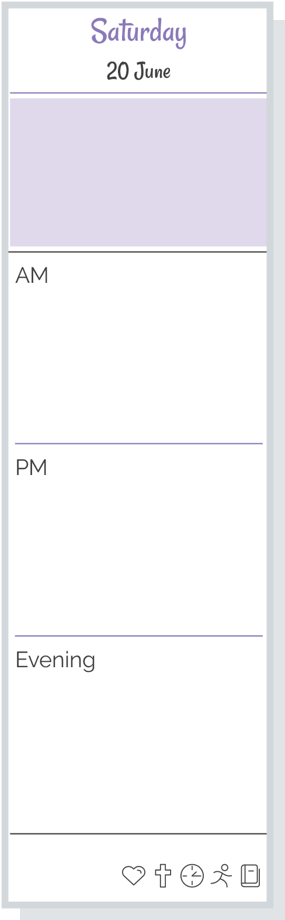
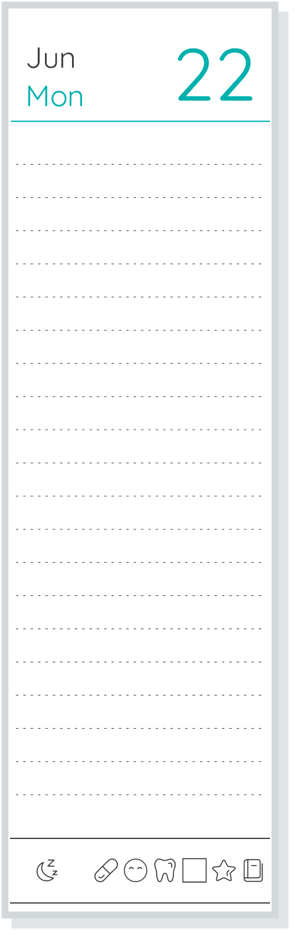
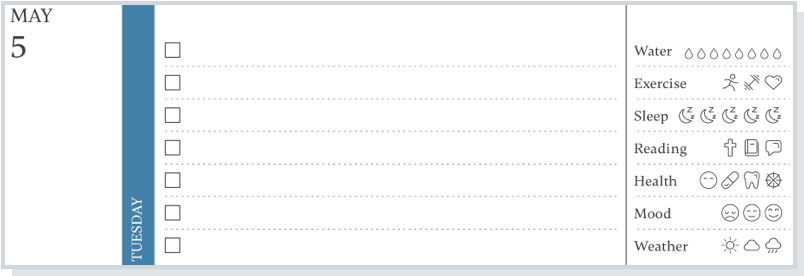
Thanksgiving is a time for reflection and for gratitude. So this week we’d like to share some pages that Agendio planner owners have customized to include gratitude every day of the year.

Only agendio gives you the freedom and control to create pages that truly suit your needs and your lifestyle, and we’re impressed that so many of you use a part of that precious space to give thanks.

Many planners include entire pages devoted to gratitude,

others show gratitude in pagelets on daily and weekly pages,

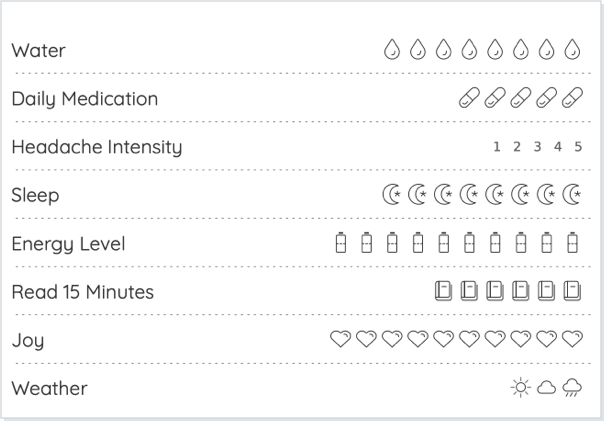
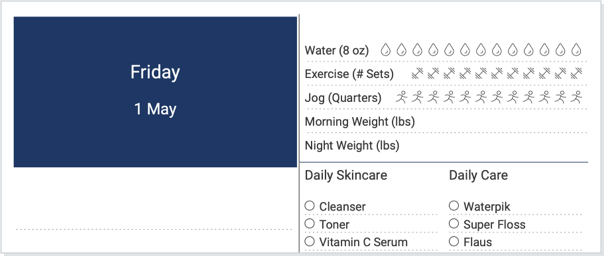
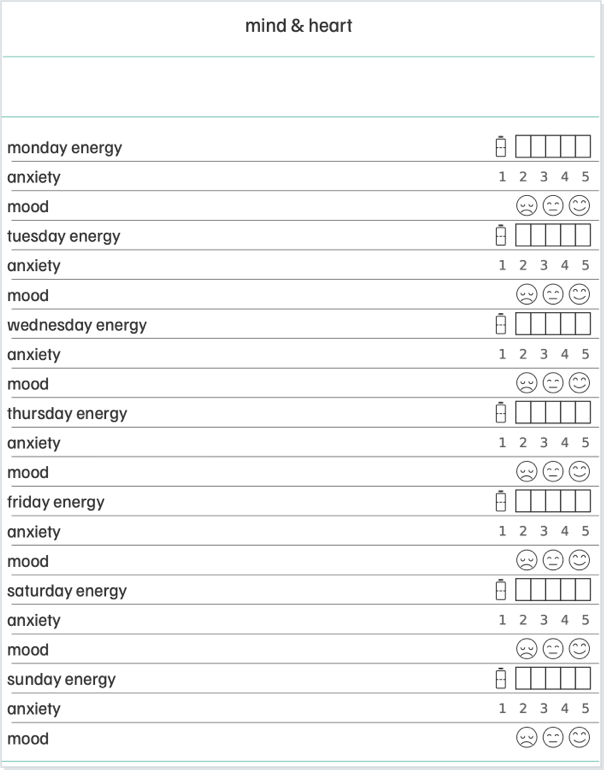
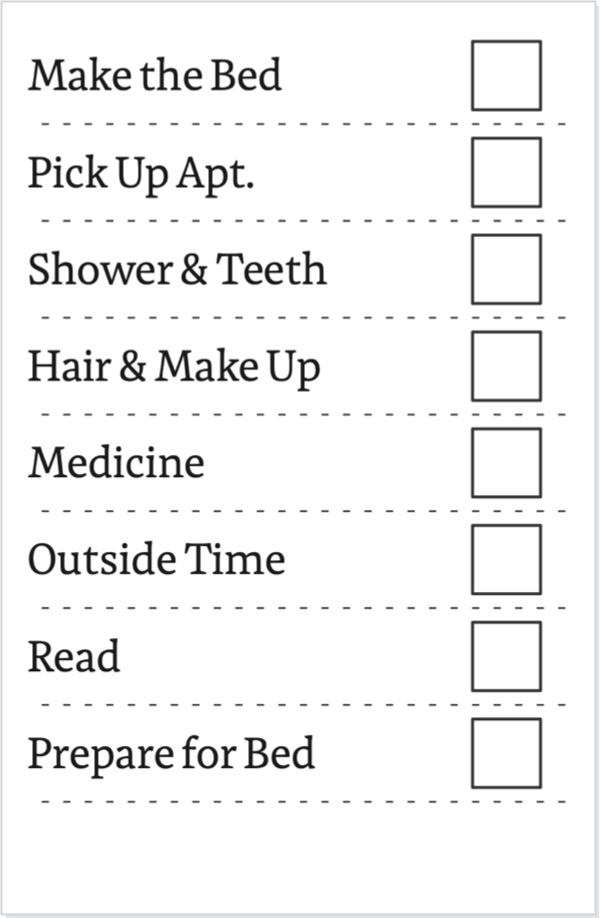
and some agendios feature gratitude in trackers.

Happy Thanksgiving from everyone at Agendio.

SO MANY BOOKS AND SHOWS…

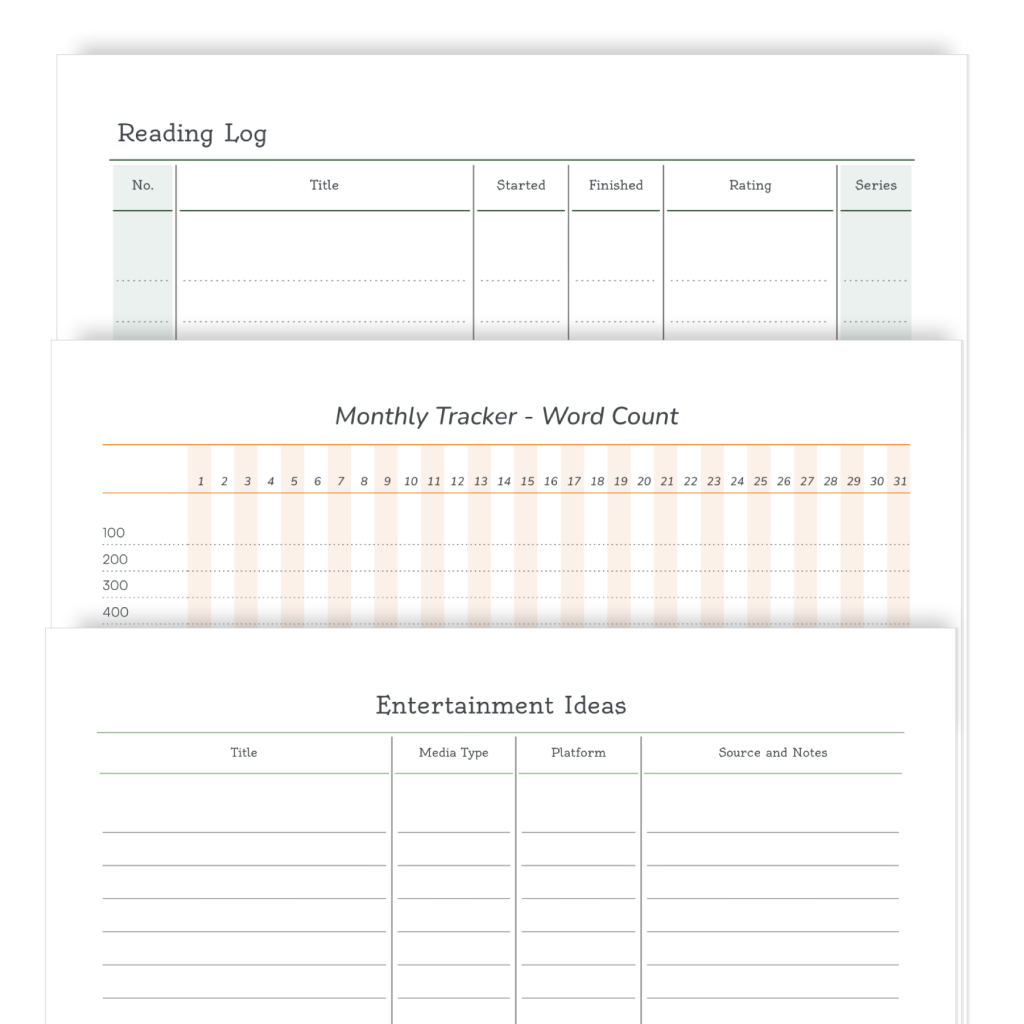
Have you looked at the Pro sharing library lately? More pages are being shared every week, so we thought we’d show you some of them.

Today we’re looking at hobby pages, specifically lists for book lovers and TV/Movie enthusiasts.

If you want to add one of these pages to your Pro agendio, simply select Sharing library when making your pages and then look in the Hobbies category. And at the same time, check out other categories to see if you like some of the other shared pages.

If you haven’t made a Pro agendio planner yet, this may be a good time to give it a try.

BIG WEBSITE UPDATE

We have some very exciting news to share: We recently made some big changes to our website:

We updated our home page to show your options more clearly.

We added more information about our pages,

and we replaced the Pages & more section with our newly-created Agendio Hub. 

The Agendio Hub is a central location in which we have combined in one place every agendio you have made and everything you need to make more Pro and Classic agendios. It includes:

  1. CREATE: The starting point to create all new Pro and Classic planners, inserts and notebooks.
  2. REPRINT: The starting point for reprinting
  3. PRO LIBRARIES: The place to see the Pro page libraries (templates and shared)
  4. MY STUFF: The central location for all your saved and purchased agendios, both Pro and Classic. 

You can now go to one place to see all your Agendio products, access them easily to edit or reprint them and start new pages and agendios.

You can access the Create page and My stuff from assorted pages on the website or directly from the website navigation.

We’ve also added more videos, showing you how to create agendios with both Classic and Pro. We plan to add more throughout the year.

Do you like the update? We’d love to hear from you what you think of the changes.

TRAVEL PAGES

School is ending. Soon many of us will be off travelling to assorted destinations to play tourist or to see family and friends. Do you have a good packing list in your agendio?

Here is one that is available in the Agendio community shared library in the Hub. It’s quite complete, although you may wish to replace some items. It also includes spaces for you to add additional items. If you like it, you can add it to your Pro pages and then customize it to your needs.

You can see other examples of cleaning pages in the shared library – Here are some examples:

A page to track your accommodation

or one to track your spending vs. budget

Or a packing list that includes your child and your pet

Did you add a Travel list to your agendio? Would you consider sharing it with the Agendio community? Share it in seconds from your My stuff section in the Hub: Simply find your page, roll over Options like you would to edit, and click on Share.

SPRING CLEANING PAGES

Winter is gone and summer is coming, which means a new season is upon us: Spring cleaning season.

Have you considered including cleaning pages or a spring cleaning page in your agendio? Here is one example that was recently added to the Agendio community sharing library. If you like it, you can add it to your Pro pages and then customize it to your needs.

The library includes other cleaning pages that you may wish to use:

You can see them in Pages & more, in Shared pages, in the Home category, or you can simply search clean in the shared pages library.

Did you add a cleaning list to your agendio? Would you consider sharing it with the Agendio community? Share it in seconds in Pages & more, in My pages: Simply find your page, roll over Options like you would to edit, and click on Share.

AGENDIO SHARED PAGES

Agendio is the only company in the world that allows you to share planner pages with other Agendio customers and to use pages they shared.

This Pro feature helps you in two ways: You see a wide assortment of page customization ideas from other customers and you save the time it would take you to make them yourself.

We thought you might be interested to see the kinds of pages customers have shared.

You can see all the pages on the Pages & more page, accessible at https://pro.agendio.com/#/shared

INTRODUCING AGENDIO PRO!

After many years of work, the new agendio.com is live. It’s not just a new website, it’s an entirely new way of making planners. 

It includes four amazing new features:

– Pages & more, the starting place for making your pages and the place to keep all your pages, your planners and your lists of activities, events and holidays;

– Agendio Designer, an application we developed to create and modify pages;

– The new Agendio Builder, packed with even more industry-leading features;

– The Agendio guide, a complete guide providing assistance for all our applications and making sure you don’t miss any features.

We added a huge number of new features, including adjustable font sizes, but we can’t list them all here because the list would be too long. So the best way to find out is to explore the website.

If you like having control over your planner pages, then we think you’ll really like Pro. However, if you prefer to stick with our current Builder, that’s fine too: We now refer to it as our Classic Builder and we will continue to offer it and to support it. 

LISTS

We’re continuing our series on the best agendio features.
Today we look at Lists.

When you customize your agendio, you can add lists to your divisible pagelets. So you can include repeating todos, without having to write them by hand on every spread.

You also add checkboxes or checkcircles when you add list labels, which will add a checkbox on each line before each list item, so you can mark each one when it’s done.

You can also add multiple lists. If you divide your divisible into multiple pagelets, you can add separate lists to any or all of them.

Page 1 of 3

Powered by WordPress & Theme by Anders Norén