Month: April 2026

AGENDIO WIDGETS!

Agendio widgets are here!

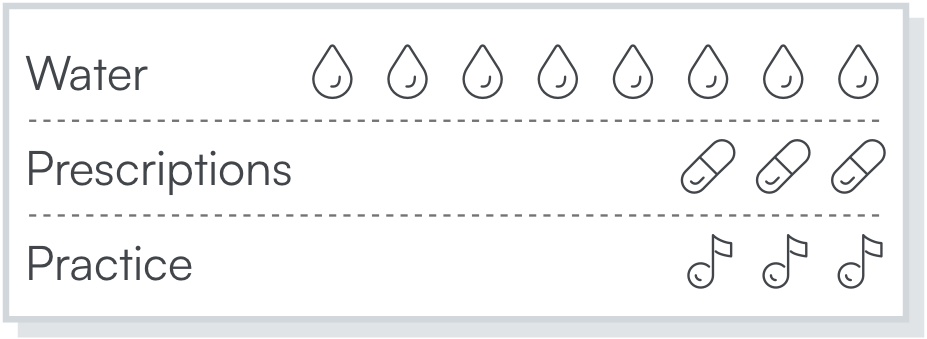
Over the past few years we’ve received many requests for an option to add water drops to pages. We’re happy to tell you that you can now add water drops to your Pro pages. 

And, since these are Agendio widgets, you can add much much more!

You can add widgets for medications, exercise, quiet time and mood, to name just a few. You can even add widgets for religions. 
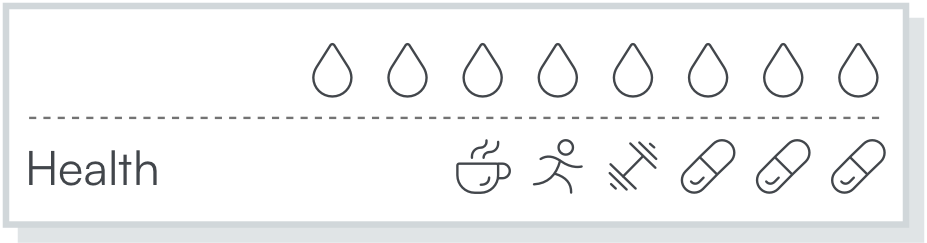
You can add them on one line or many lines, and choose from a list of more than 30 widget symbols. 
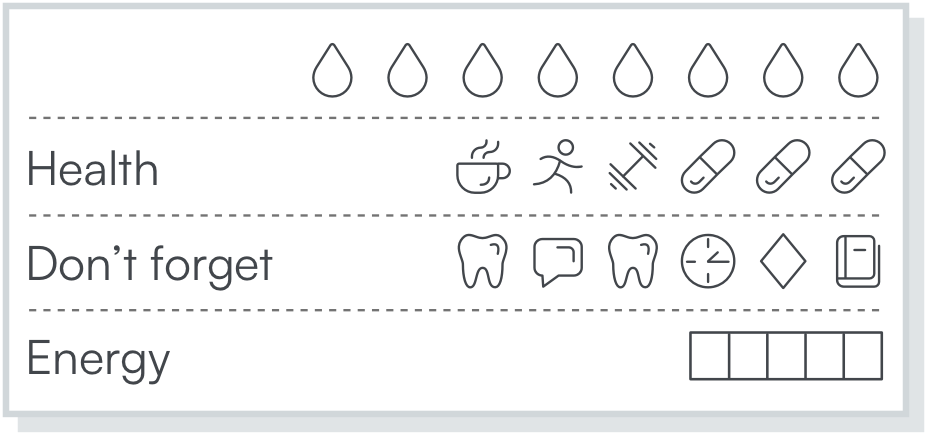
You can try widgets out right now: Open one of your pages in the Designer, or start a new one, then add a widget pagelet from the pagelet drawer, the same way you add any other pagelet. 
AGENDIO TABLES

We’ve just added table pagelets to Agendio Pro.

We previously offered full-page tables, even adjustable ones, and we received some great feedback about them. But we have often been asked if one day we can offer pagelet sized ones that use only part of a page. That’s what we’ve just added.

You can add a table to your page the same way you add any other pagelet from the Designer drawer – It’s right next to the tracker pagelet.

And it wouldn’t be an agendio feature if it wasn’t adjustable, so we included three ways for you to adjust the column widths.

You can use tables to keep track of so many things. Here are some examples:

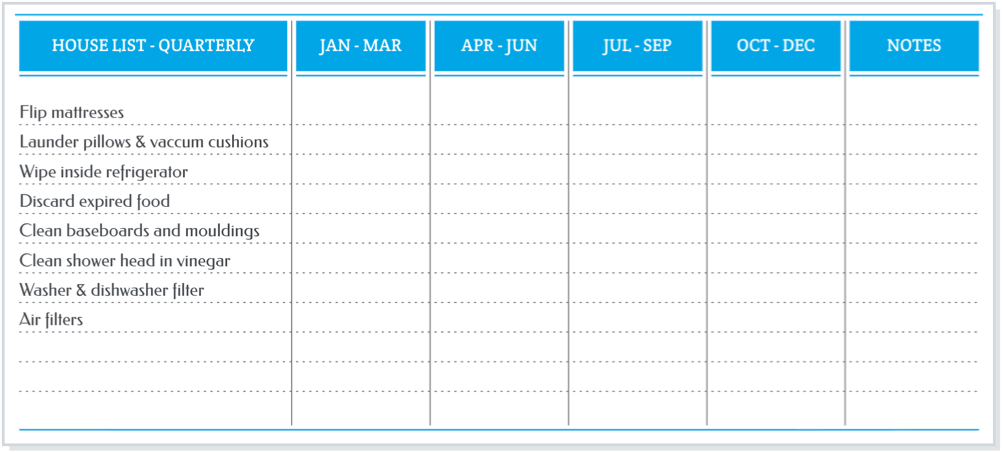
A table of house jobs you might do every quarter but that we often forget to do. (Custom width selected for column 1, and other columns equal width)

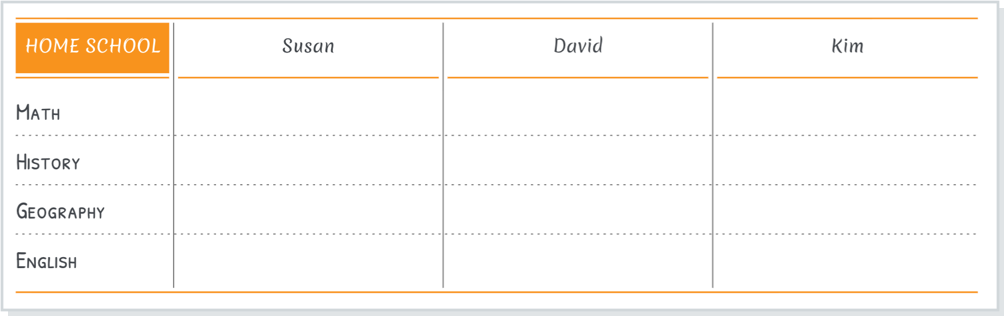
A table for home schooling (Custom width selected for columns 2, 3 and 4 )

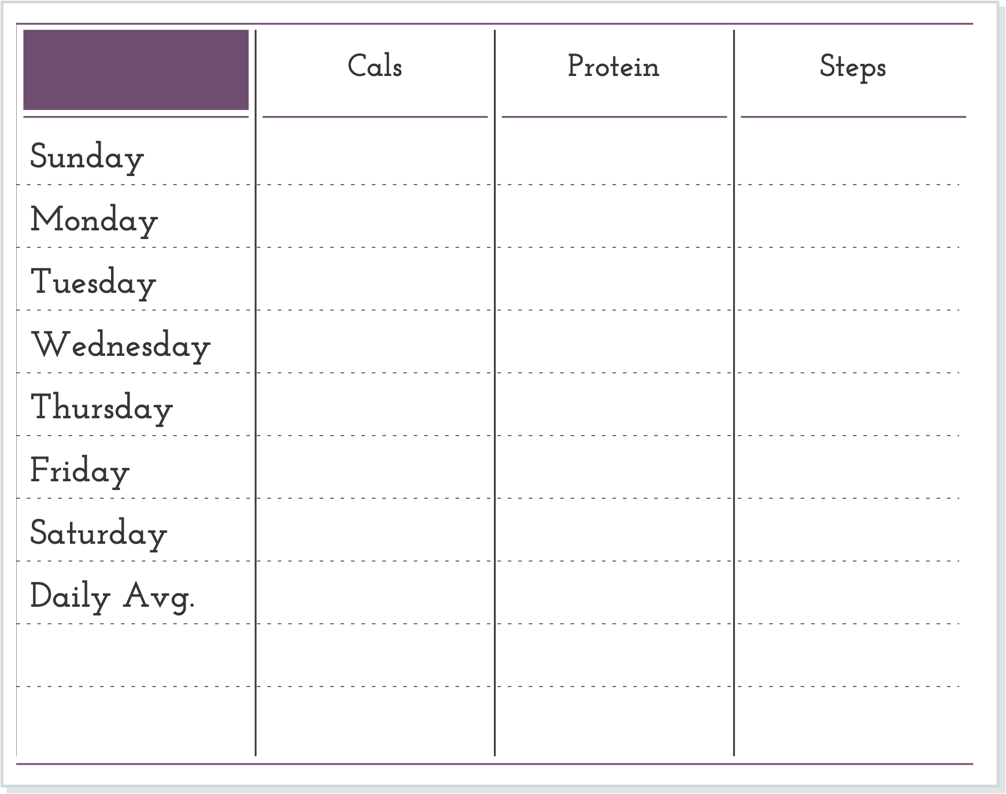
A table for fitness. All columns selected to be of equal width:

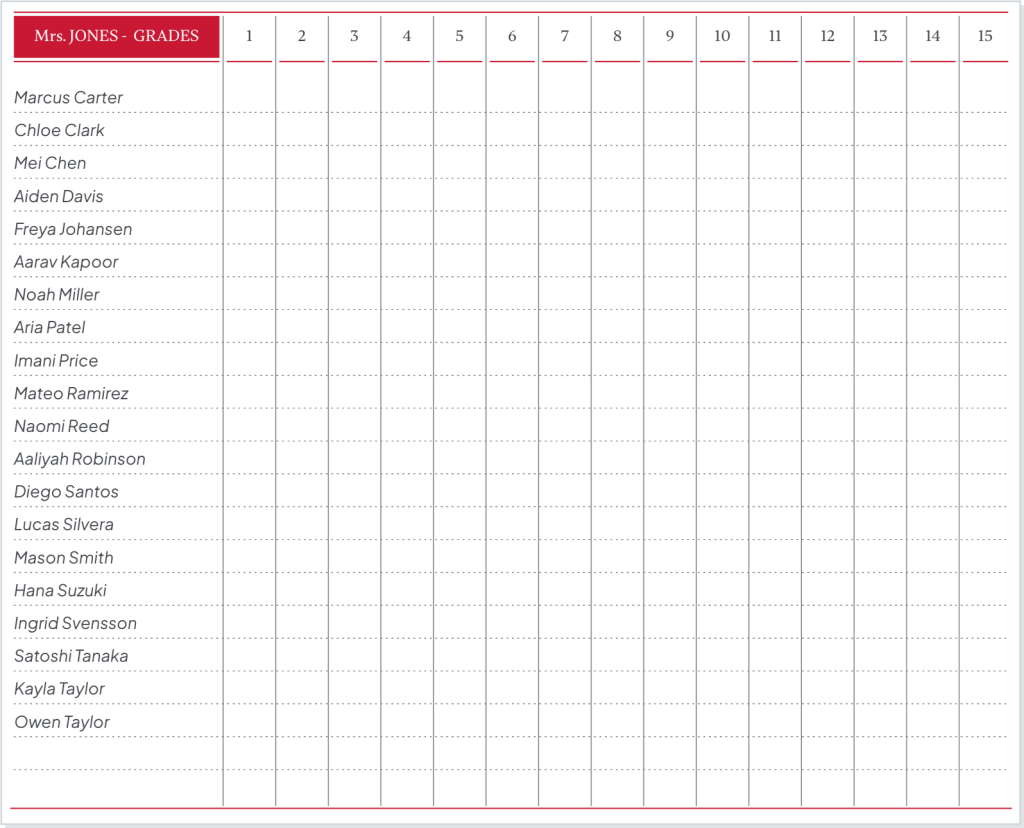
And a special design: A page for teachers to record student grades and test scores.

Now it’s your turn to make a table. What will you use your table for?

Powered by WordPress & Theme by Anders Norén