Month: October 2025

TRANSITION WEEKS #4 – SEPARATE

We have more big news for you if you use a Pro monthly-weekly or monthly-daily agendio or if you plan to create one: We have added a fourth placement option for transition pages, which we call “Separate”, which allows you to completely separate each month’s pages.

Please note that using this feature is entirely optional. It’s a cool feature if you really get into planner details, but you can skip over this completely in the Builder if you want to.

When your planner includes monthly pages and weeklies or dailies, and your monthly pages are mixed with your weekly pages, where do you place the transition weeks – the ones that include days from two different months?

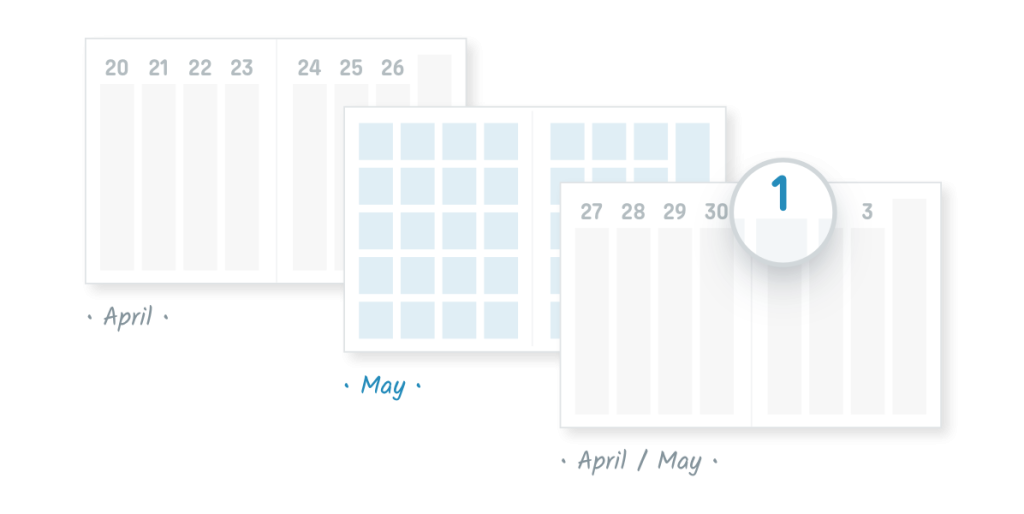
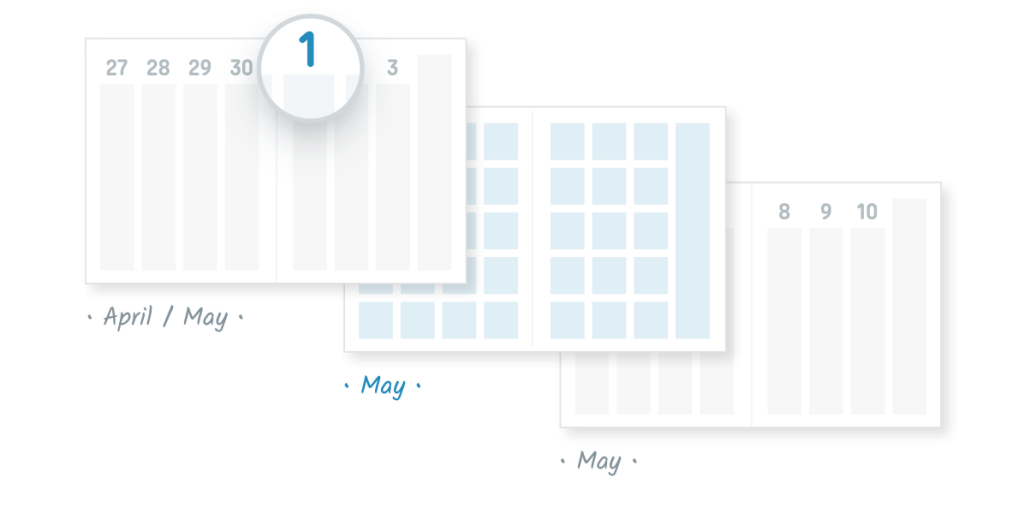
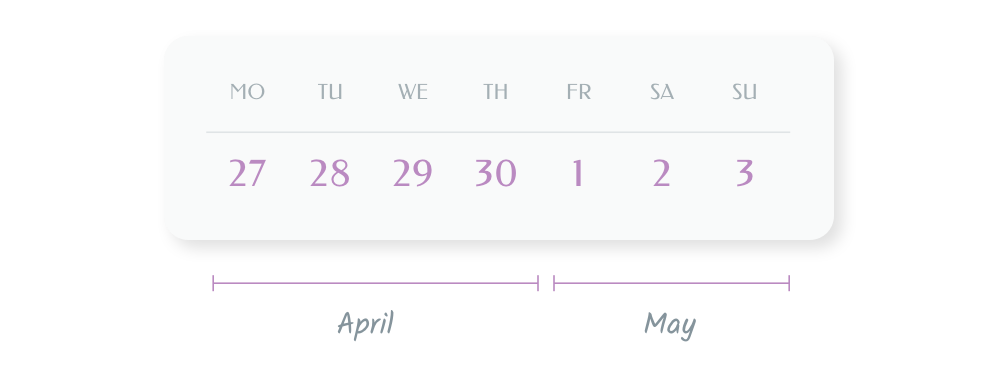
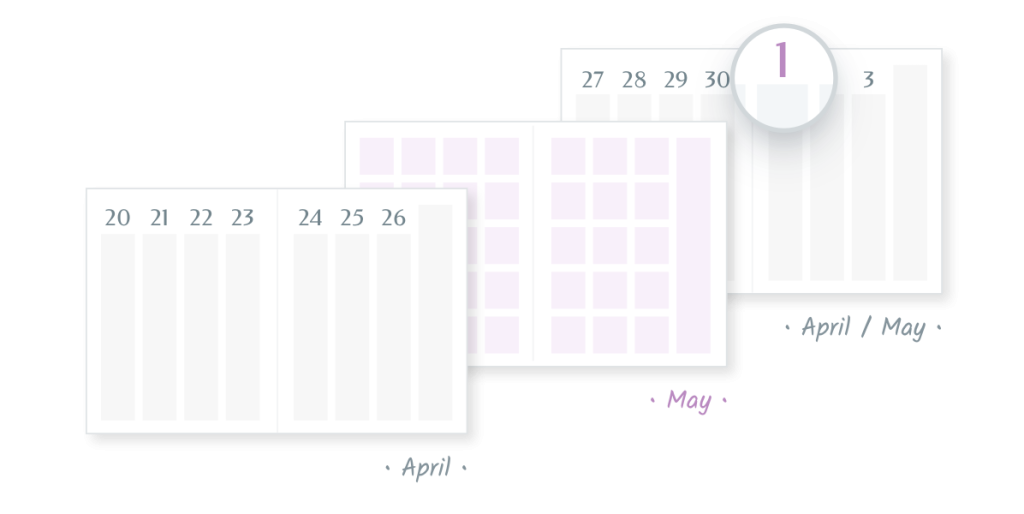
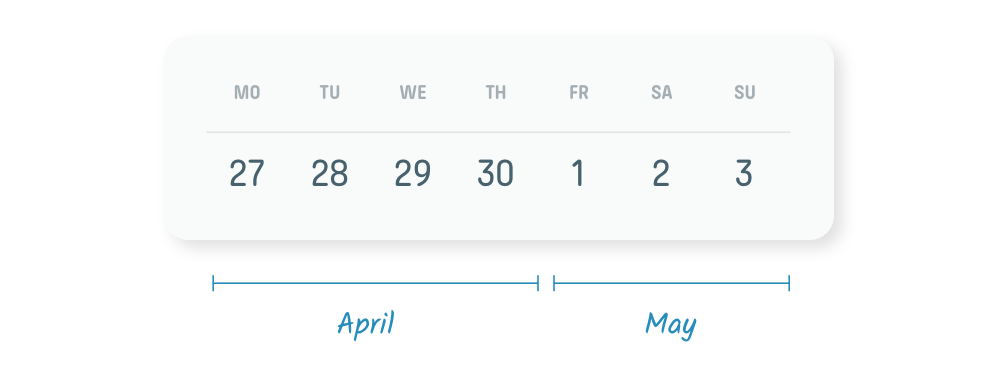
Let’s use an example from 2026, using the week that runs from Monday April 27 to Sunday May 3
Our current default placement is WITH FOLLOWING MONTH: we place the transition weeks with the days from the following month.
We also offer WITH PRECEDING MONTH. If you select it, we place the transition weeks with the days of the preceding month.
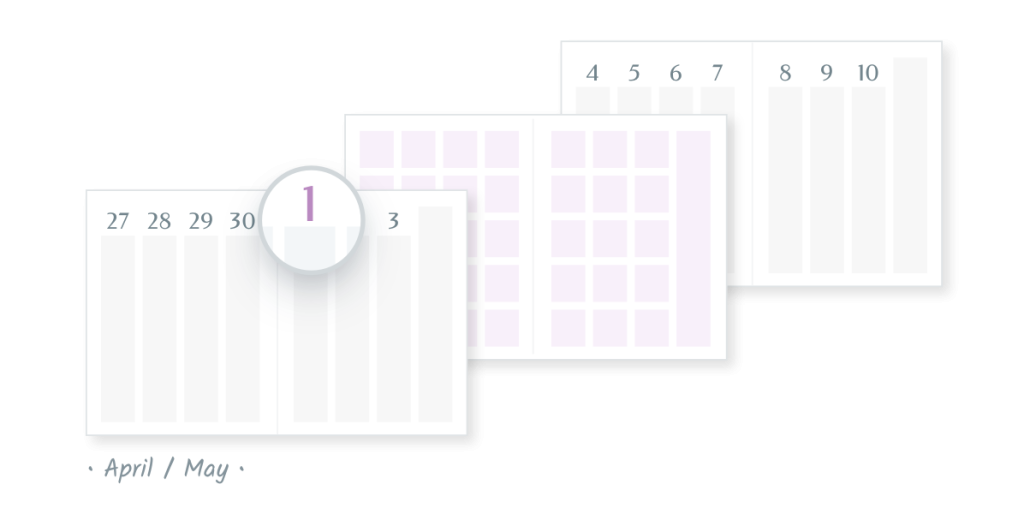
And we offer BEST FIT: It automatically selects for you “With preceding month” or “With following month”, depending on which one works better.

And now we have added SEPARATE. The “Separate” method keeps each month separate. So each transition week is printed twice, the first time with the preceding month and the second with the following month.
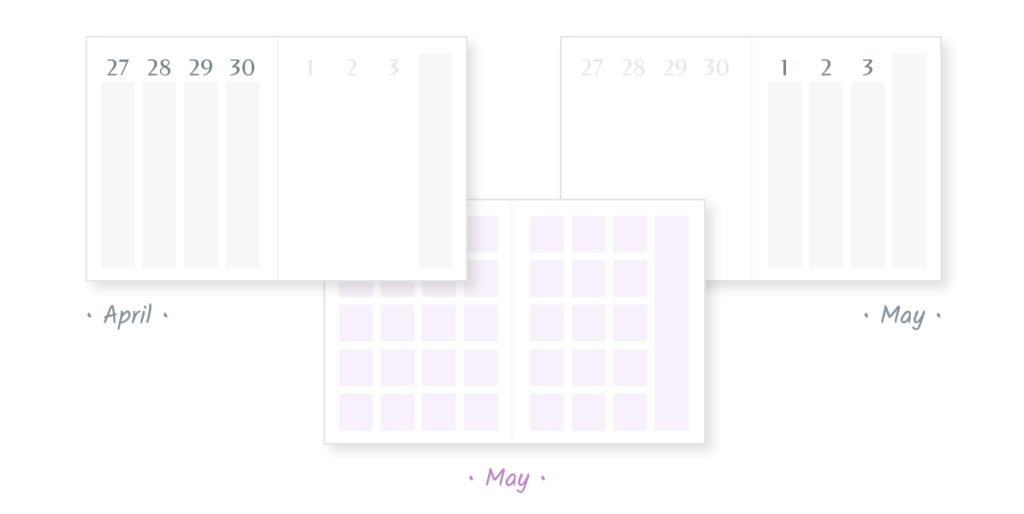
You can find out more details in the Agendio Guide, but the best way to understand all of these options is to try them out in the Pro Builder, by building a planner with a monthly and another type of dated pages, and then looking at the preview.
SO MANY BOOKS AND SHOWS…

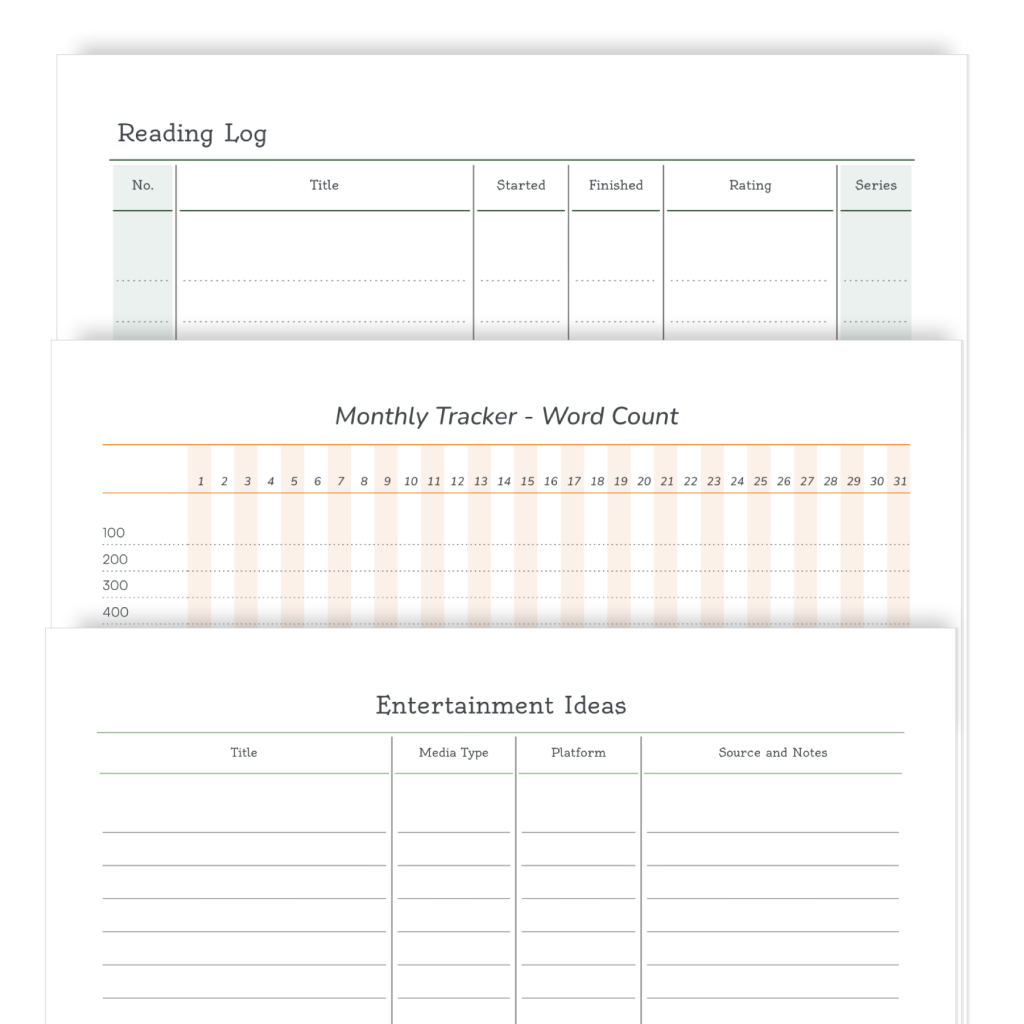
Have you looked at the Pro sharing library lately? More pages are being shared every week, so we thought we’d show you some of them.

Today we’re looking at hobby pages, specifically lists for book lovers and TV/Movie enthusiasts.

If you want to add one of these pages to your Pro agendio, simply select Sharing library when making your pages and then look in the Hobbies category. And at the same time, check out other categories to see if you like some of the other shared pages.

If you haven’t made a Pro agendio planner yet, this may be a good time to give it a try.

TRANSITION WEEKS

We have big news for you if you use a Pro monthly-weekly or monthly-daily agendio or if you plan to create one!

When your planner includes both monthly pages and another frequency, and your monthly pages are mixed with your other dated pages, there are many approaches for placing the layout that includes pages from both months. We call these “Transition weeks” and until recently, we always placed that layout with the days from the following month.

Let’s use an example from 2026, using the week that runs from Monday April 27 to Sunday May 3.

Currently, we place the transition weeks with the days from the following month, so we would place the spread of April 27 to May 3 with pages from May. We call this placement WITH FOLLOWING MONTH.

This is the default placement for agendios. If you do not select a different placement, this is the one we will use for your agendio.

The big news is that we have added two other options for you to place your monthly pages.

The first one is called WITH PRECEDING MONTH. As you can figure out, if you select it, we place the transition weeks with the days of the preceding month. So in our example, we would place the weekly spread of April 27 to May 3 with pages from April.

The other new option is called BEST FIT: It’s a great feature because it automatically selects for you “With preceding month” or “With following month”, depending on which one is better. If the transition week layout includes more days from the earlier month, it places those days with the days of the preceding month. But if the transition week layout includes more days from the later month, it places the layout with the days from the following month. You can find out more details in the guide, but the best way to understand “Best fit” is to try it out in the Pro Builder, by building a planner with a monthly and another type of dated pages, selecting “Best fit” and then looking at the preview.

Powered by WordPress & Theme by Anders Norén