Category: General Page 2 of 11

TRANSITION WEEKS #4 – SEPARATE

We have more big news for you if you use a Pro monthly-weekly or monthly-daily agendio or if you plan to create one: We have added a fourth placement option for transition pages, which we call “Separate”, which allows you to completely separate each month’s pages.

Please note that using this feature is entirely optional. It’s a cool feature if you really get into planner details, but you can skip over this completely in the Builder if you want to.

When your planner includes monthly pages and weeklies or dailies, and your monthly pages are mixed with your weekly pages, where do you place the transition weeks – the ones that include days from two different months?

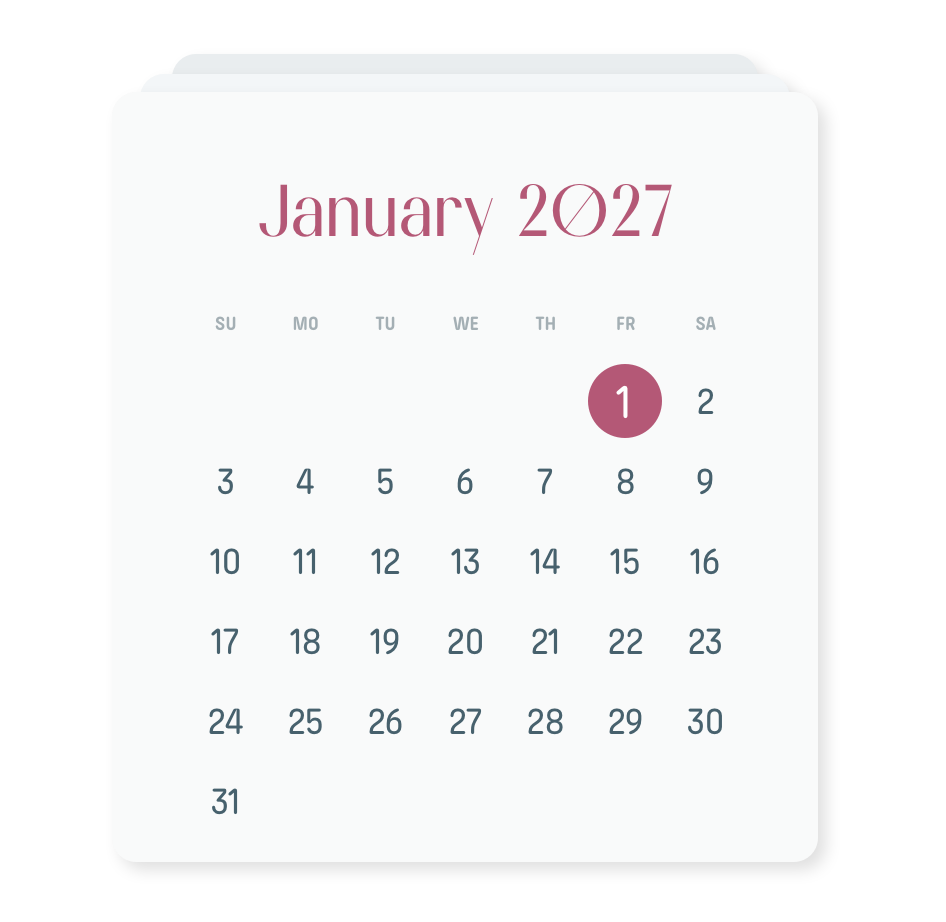
Let’s use an example from 2026, using the week that runs from Monday April 27 to Sunday May 3

Our current default placement is WITH FOLLOWING MONTH: we place the transition weeks with the days from the following month.

We also offer WITH PRECEDING MONTH. If you select it, we place the transition weeks with the days of the preceding month.

And we offer BEST FIT: It automatically selects for you “With preceding month” or “With following month”, depending on which one works better.

And now we have added SEPARATE. The “Separate” method keeps each month separate. So each transition week is printed twice, the first time with the preceding month and the second with the following month.

You can find out more details in the Agendio Guide, but the best way to understand all of these options is to try them out in the Pro Builder, by building a planner with a monthly and another type of dated pages, and then looking at the preview.

12-MONTH PREVIEWS!

Agendio Builder previews now show your entire agendio and include every month, week and day and all Extra pages.

Agendio Builder previews have traditionally left out many months in the middle of agendios, if only to reduce page load times. But we extended the previews for Pro planners a short while ago to show the entire book and this week we also added the feature to Classic planners. 

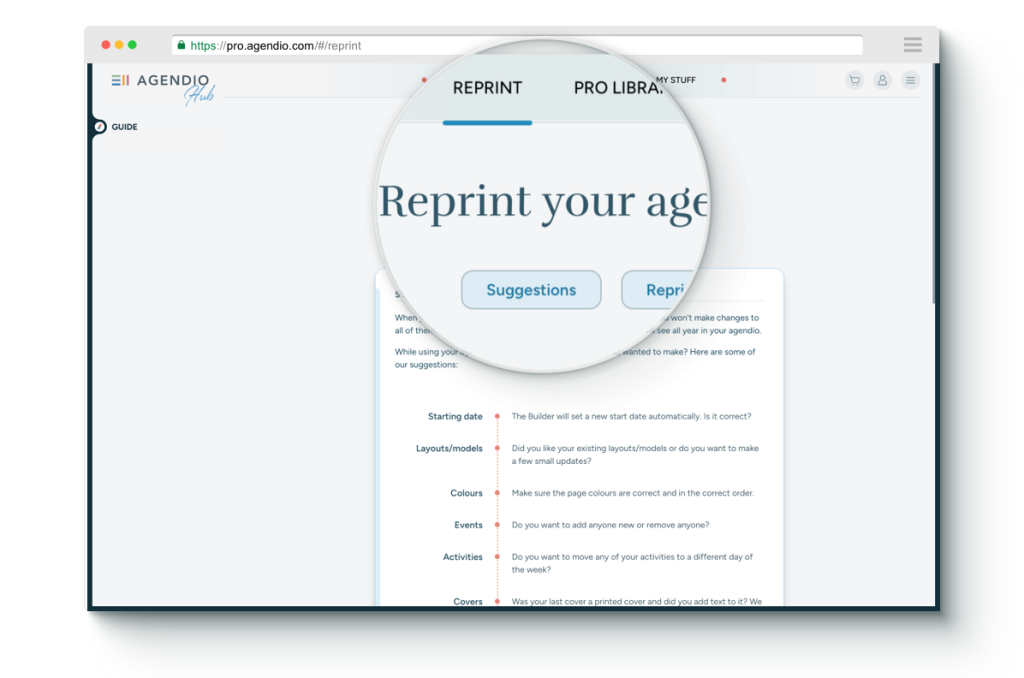
So now when you are on the review page, you can review your planner in its entirety before purchasing.

Try the feature now and let us know what you think. 

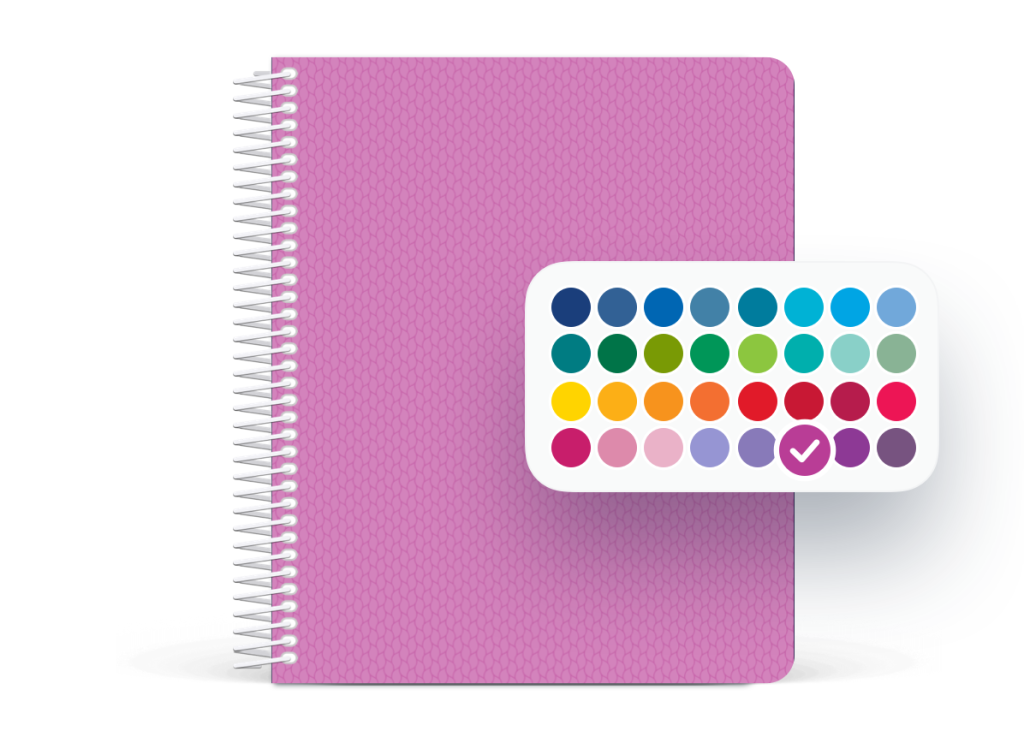
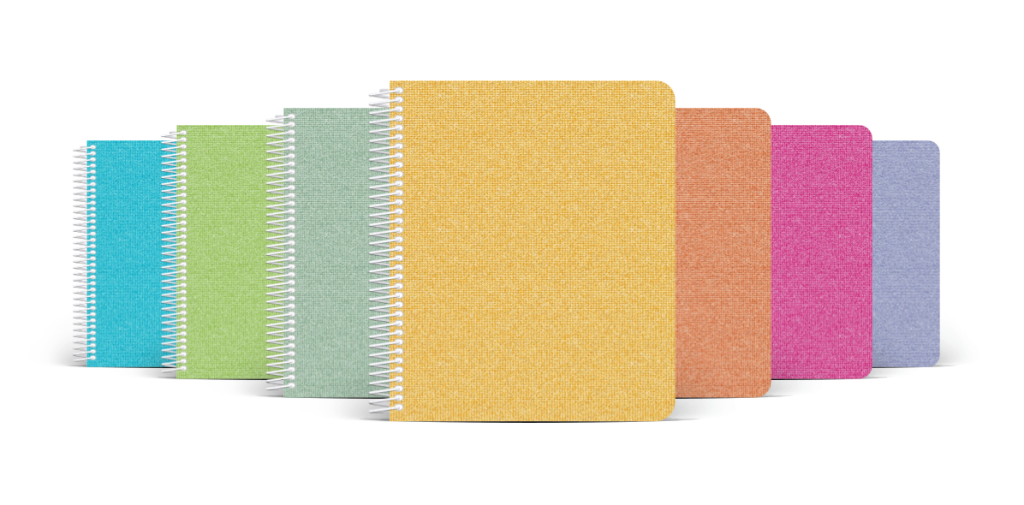
MORE GREAT COVERS

We’ve shared customer cover designs a few times this year, but we keep being asked to show more of them, especially by our new customers. The covers you make show so many ideas and so much creativity that we’re happy to show more of them.

You can see all the featured customer cover creations on our customer designs page.

RESIZE PRO EXTRA PAGES

During July we announced the development of our exclusive page resize feature, available only with Agendio Pro. This new feature allows you to convert pages, whether customized or not, from one of our page sizes to another.

We initiated the feature with the option to enlarge dated pages, and now you can enlarge Extra pages as well.  This means that any Pro page in your MyStuff section can be resized to any larger size. So, for example, you can now convert a medium daily spread or a journal-sized weekly layout into a large, or convert a journal-size budget page or meal plan or flex-table into a medium or large.

The next phases of this project will unfold this fall and will add:

  • Shrinking of dated pages, and
  • Shrinking of Extra pages

Resizing a page is straightforward:

  • Go to My stuff, to Pages
  • Find the dated page you wish to enlarge
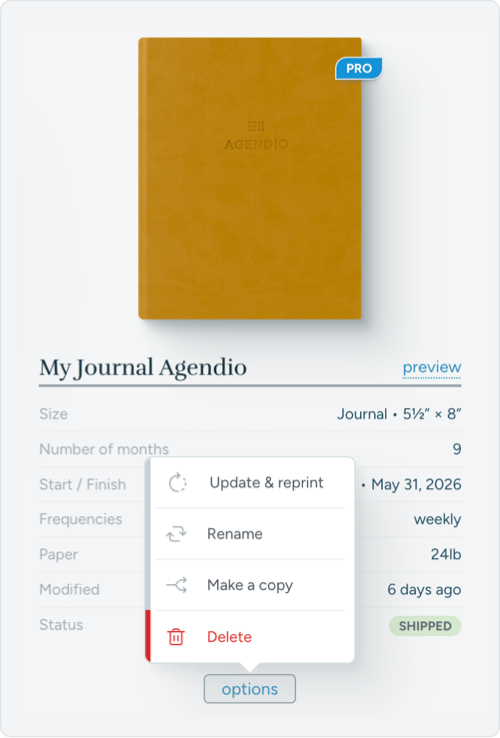
  • Roll over “Options”
  • Select “Resize”
  • Select the target size and update the suggested name if desired

The newly created page will automatically be created and shown to you in the Designer for review.

MEDIUM ONE-PAGE GRID MONTHLY

We have now added a medium grid monthly single page to the Agendio Pro system.

We received many requests to add this page, especially after we added the large one-page monthly, so we bumped it earlier in the schedule and it’s now live. You can access it either as a build-it-yourself canvas or a ready-made template.

If you want a medium-sized single-page monthly grid in your next agendio, you can now find it in the Hub, on the Create page, in the PAGES menu. Select medium and monthly, then either Canvas or templates, and you’ll see it.

RESIZE PRO PAGES

Agendio is pleased to announce that it has begun development of a page resize feature. This exclusive new feature, available only with Agendio Pro, will allow you to convert pages, whether customized or not, from one of our page sizes to another.

The work is being done in stages. To start off, it is now possible to increase the size of dated pages. This means, for example, that right now you can convert a journal-sized weekly spread into a medium or a large, or to convert a medium daily page into a large.

The next phases of this project will unfold during 2025 and will add:

  • Enlarging of Extra pages
  • Shrinking of dated pages, and
  • Shrinking of Extra pages

Resizing a page is straightforward:

  • Go to My stuff, to Pages
  • Find the dated page you wish to enlarge
  • Roll over “Options”
  • Select “Resize”
  • Select the target size and update the suggested name if desired

The newly created page will automatically be created and shown to you in the Designer for review.

PLEASE NOTE

If you use this feature, please verify the resized page carefully. The resized page will have been created by an automated process, and it might make a mistake. So it’s important to review each resized page.

BIGGER CLASSIC FONTS

Our Pro Builder system includes an option to choose bigger font sizes. Since we introduced Agendio Pro, many of you have asked us to add a font size option to Agendio Classic.

We heard you, so we’d like you to know that we have just added the option to increase font sizes in Classic. Specifically, you can increase the font sizes of list, schedule and divisible labels.

PLEASE NOTE

  • The options in Classic are more limited than for Pro. Fonts for large planners can be increased by two sizes, but for medium and journal planners by one size. 
  • The font sizes in mini-calendars and for happenings placed side-by-side in rows are not adjustable due to space limitations.
  • If you select a larger font size, labels in your planner may no longer fit. Should this happen, you will be alerted before placing your order.

MINI-TRACKER IDEAS

We added mini-trackers to Agendio Pro last week and since then we’ve seen them in so many planners! Clearly this is a very popular feature.

Would you like to see what other members of the Agendio community have been doing with their trackers? We thought you might:

Here are some basic but effective grid trackers

A tracker focused more on personal wellness

and a full-page-width health tracker with check-circles.

Someone added a check-circle tracker for house chores.

Some trackers are compact and discreet, squeezed into the smallest spaces

while other customers have chosen to use much more of their page real-estate and included multiple trackers on one page.

What mini-tracker do you plan to add to your agendio?

2026 AGENDIOS

It’s now July, which means 2025 is already half gone (!) and planner fans are starting to think about planners for 2026.

You can now order your next agendio with start dates up to July 31, 2026 for both Classic and Pro agendios.

If you like to order two agendios for each year in advance, one starting in January and the other in July, you can now order them.

And if you want to extend a bit past the end of your agendio, don’t forget about our “Future month” Extra pages. Add some after your dated pages to have a place to list appointments and todos right after your planner ends, and then copy over those tasks when you start your next planner.

Our Future Month pages are available for both Pro and Classic agendios. For Classic you can find them in the Builder, on the “Extra pages” screen. For Pro, you will find them in “Create”, in the “Pages” section, by selecting “Extra pages” and then “Templates”.

EVEN MORE GREAT COVERS

We keep seeing so many wonderful covers from you, showing so many ideas and so much creativity. We really enjoy looking at them.

When we shared more of them earlier this year we received great feedback, so we’ve decided to share another selection of them with you. You can see them on our customer designs page.

Do you like them? As always, let us know if you have any comments or suggestions.

Page 2 of 11

Powered by WordPress & Theme by Anders Norén